
How to design a squarespace homepage
Your squarespace homepage, it is your digital store front and probably the most important page of your website. It is where most people land and it is the one page that needs to set the scene as to what to expect on your site.
Your website doesn’t need to follow ‘Rules’, however when it comes to your homepage, there are definitely some must do’s to make sure that your Squarespace homepage is making your site stand out.
So, where to start? Many DIY Squarespace sites like to start off by looking through Squarespaces’ huge library of Templates, this is a great starting point to either give you inspiration to work on a design or to check out the flow of the site. If you are going DIY, then start here, and do your research as to what you want to include on your homepage - then find a Squarespace template that fits - you will find one!
In terms of content, here are some thought starters to get you started, remember this phase is probably the longest and most important part of building your site so don’t be concerned if it is taking a while - or making you think too hard!
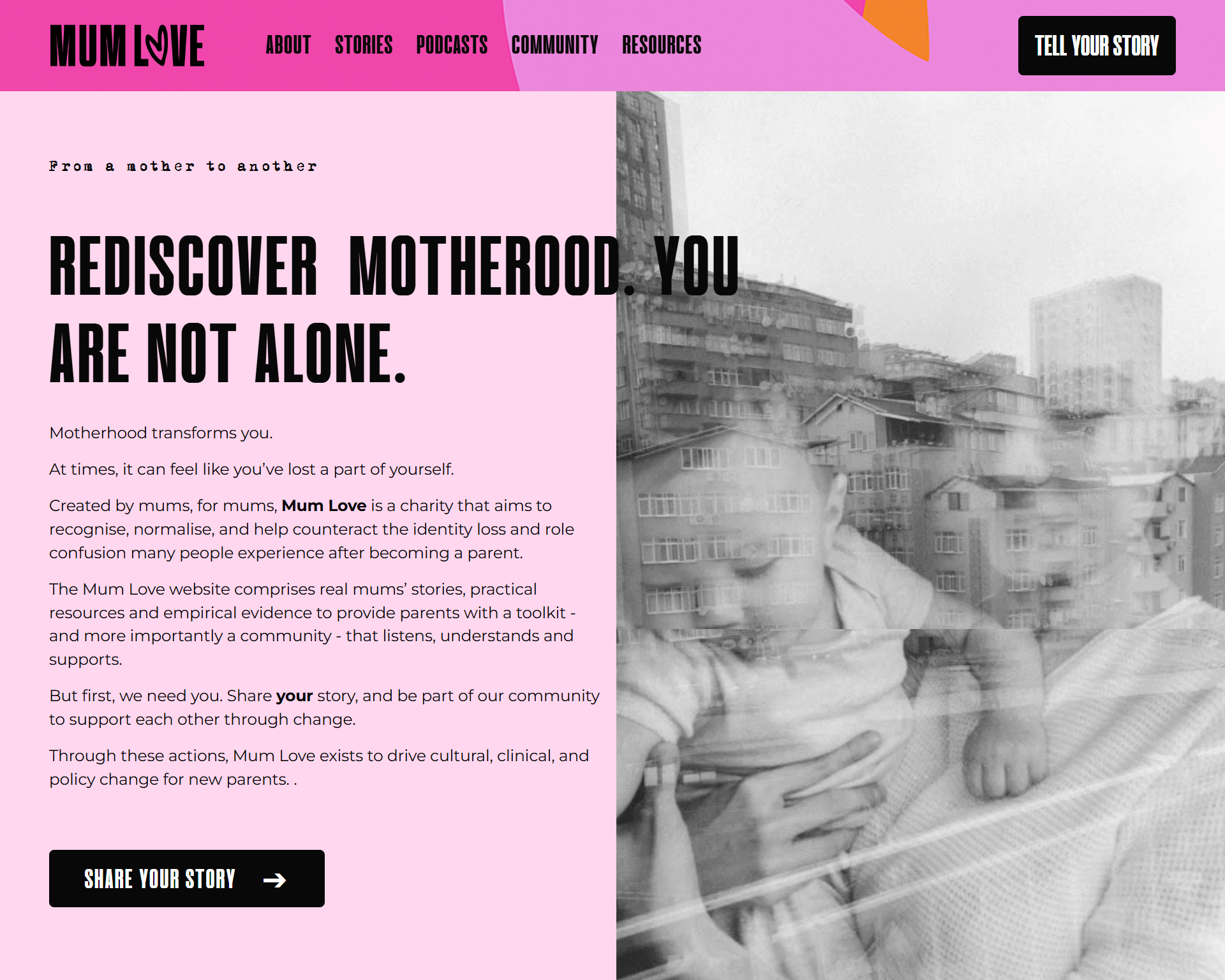
Firstly, what is the main objective of your website? Do you want people to book a call, buy a product, look at your services or direct people to your packages page.
Pick one, and focus on this throughout your website homepage design. This is where your CTA’s (buttons on the site) should take people and make it really easy. Check out Mum Love and how they work this into the site encouraging users to share their story.
Isn’t it annoying when you do land on a site and the navigation (menu to you and I), is really hard to understand, jargon is used or it just doesn’t make sense how to find what you are looking for.
Make sure you have this well thought out, which sections work for the user and how can you label these so it is easy to understand.
Headings and images really can make or break your site. Too often I see low res images used or those that don’t fit well into the colour scheme. It may take some time to do but it is well worth the investment into some good photography. A great example is Bryony’s handmade lampshades - the photography here is beautiful and really makes the product sing!
Adding real life testimonials can really help for authority of a site, a customer wants to hear what other people think. Adding these to your site (as well as making sure you have google reviews set up) are a must!
Finally, always think ‘mobile first’. Must users come via mobile so it needs to be functional. I see a lot of DIY squarespace sites neglecting this and only focusing on desktop - you must test it on mobile. This Mum Love site shines through on Mobile.
Hopefully this gives you some tips to get started on your own Squarespace Homepage, or get in touch for a free 30 minute consultation with me - Fran from Sotto Digital.